When work moves from one team to another, the problem is usually not the work itself. It is the missing context: the deadline nobody wrote down, the customer detail buried in an email thread, the file version sitting in the wrong folder, or the one question that never got answered before the next team picked it up.
For SMEs, that is more than an admin nuisance. A poor handover slows delivery, creates duplicate chasing, and makes it easier for something to slip through the cracks. AI can help, but only if it is used to keep the right information attached to the work, route updates to the right people, and reduce the amount of manual re-keying between teams.
Why handovers go wrong in SMEs
Most handovers break down for simple reasons.
The first is that people assume the next team already knows the background. In practice, they often only see part of the picture. Sales may know what the customer asked for, but operations may not see the special requirements. Finance may need a purchase order, but delivery may not realise it is missing until the last minute.
The second is inconsistency. One team writes a full note, another sends a quick message, and a third updates a spreadsheet nobody checks in time. The work moves, but the information does not move with it.
The third is that handovers depend on memory and follow-up. Someone has to remember to copy in the right colleague, send the summary, check the attachment, and chase for a response. That is where delays start.
AI is useful here because it can reduce the gaps between those steps. It can summarise the current status, surface missing details, and push the right update to the next team without relying on someone to do every handoff manually.
The information that needs to travel with the work
Before choosing any tool, define what the next team actually needs to know.
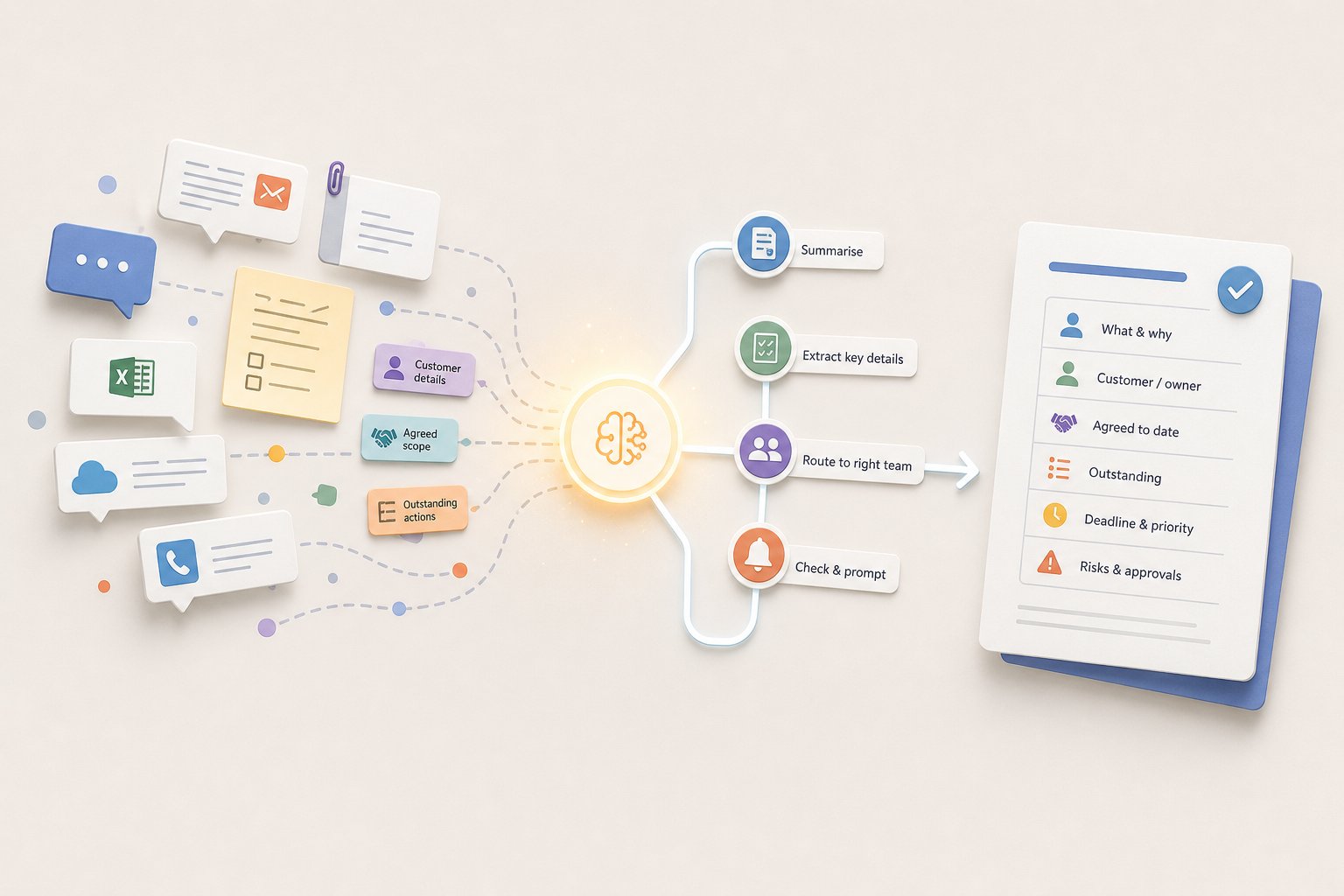
For most SME handovers, that usually falls into a few buckets:
- what the work is and why it matters
- who the customer, supplier or internal owner is
- what has already been agreed
- what is still outstanding
- the deadline, priority and any dependencies
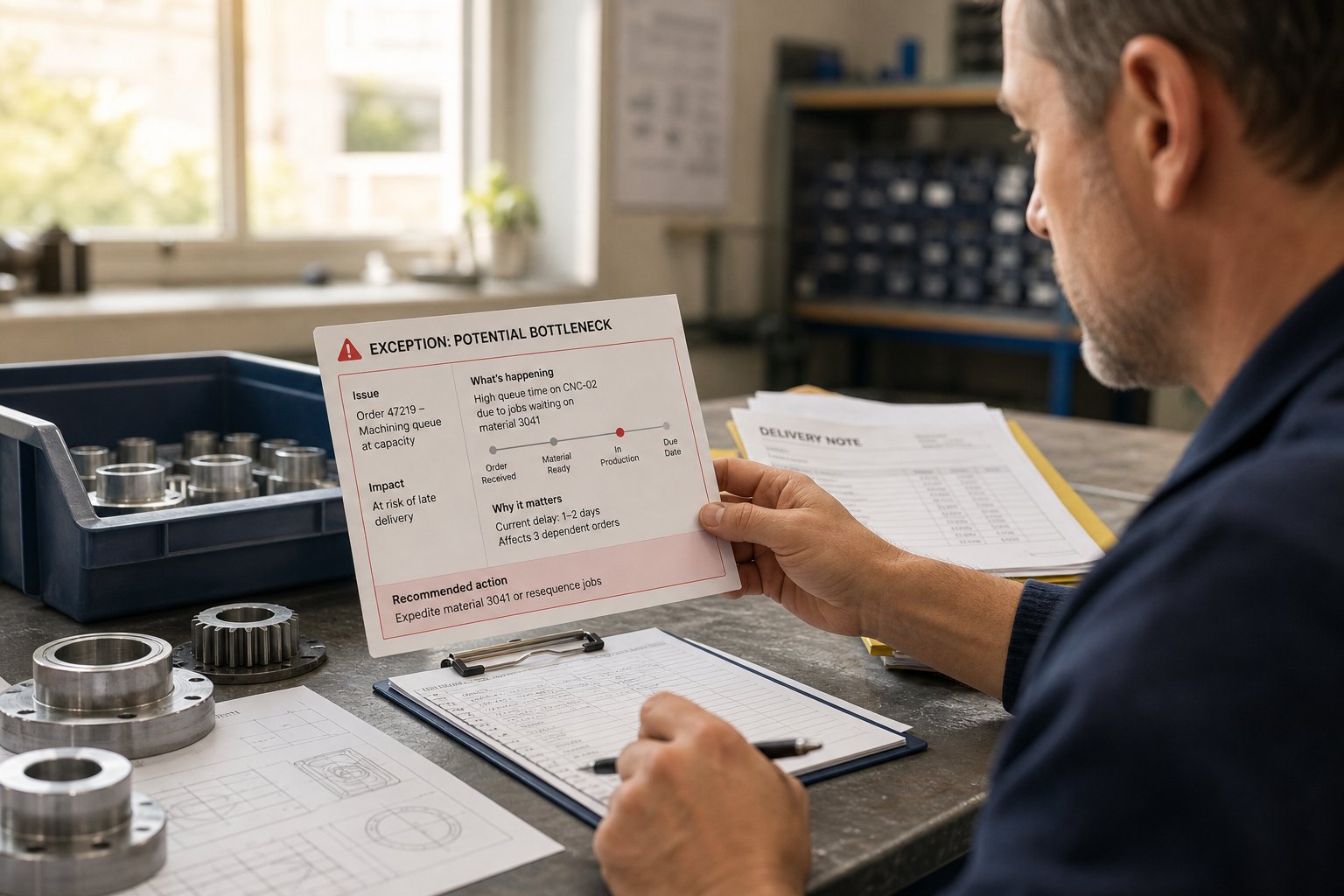
- any exception, risk or approval needed
If those details are not clear, AI cannot fix the process on its own. It can only move around incomplete information faster.
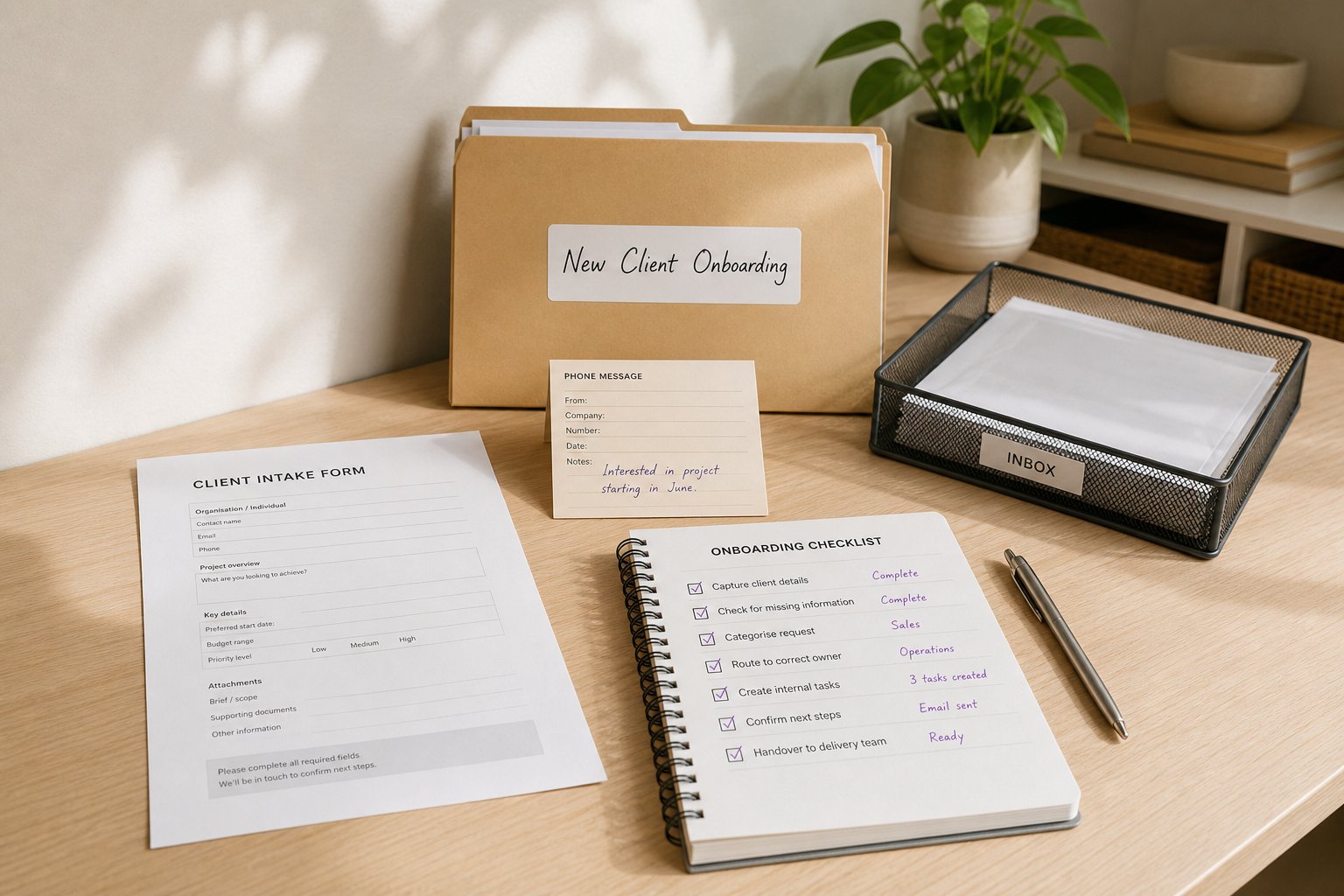
A better approach is to decide what a “complete handover” looks like for each process. A sales-to-delivery handover may need different fields from a marketing-to-sales handover or an operations-to-finance one. That structure matters more than the tool. It gives AI something consistent to work with.
This is where many SMEs get better results from small process design than from a bigger software change. A tidy handover template, used consistently, is often the foundation for a useful AI workflow.
How AI can summarise updates without losing the thread
One practical use of AI is to turn messy input into a short handover summary.
That might mean taking notes from a call, an email chain, or a CRM update and turning them into a clear internal brief. The point is not to write a polished report. It is to extract the facts the next team needs in a format they can act on.
Done well, AI can help in three ways:
- it can shorten long updates into a consistent summary
- it can pull out action items, owners and due dates
- it can flag missing details that need a human check
That last point matters. AI should not be treated as the final decision-maker for a handover. It is better used as a drafting and sorting layer, with a person reviewing anything customer-facing, compliance-sensitive or financially important.
For SMEs, that balance is usually sensible. It saves time without handing over control. A short summary generated from the source notes is often enough to reduce back-and-forth, as long as the underlying workflow is clear.
Routing work to the right team at the right time
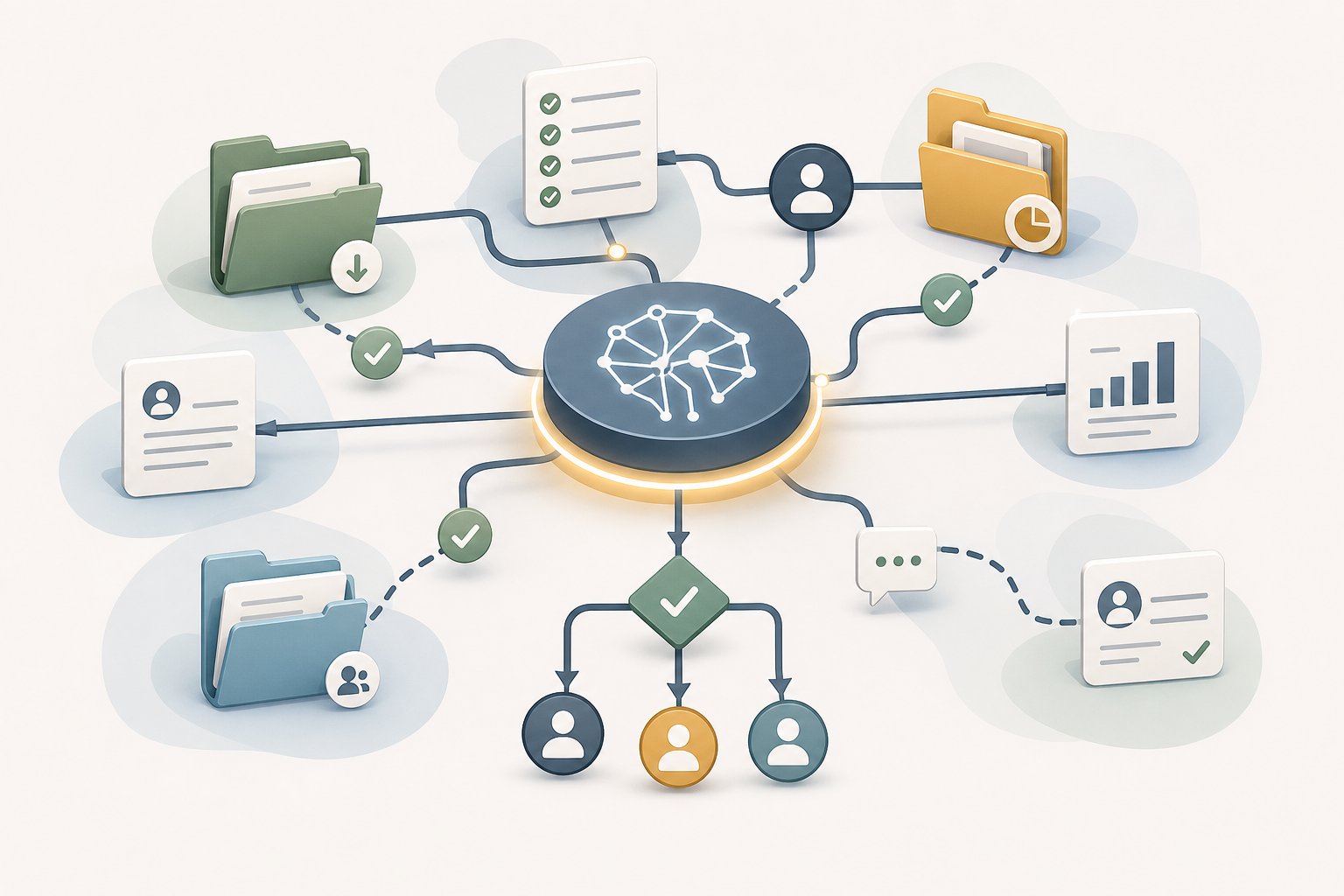
AI can also help route information, so the right team sees the right task without waiting for someone to forward it manually.
For example, if an order is marked as requiring custom fulfilment, AI can trigger a task for operations. If a contract needs approval, it can route it to the right manager. If a customer query includes a complaint, it can flag it for a different queue.
The value here is not just speed. It is consistency. A well-designed routing rule prevents work sitting in a shared inbox or being passed around informally until someone claims it.
The caveat is that routing only works if the rules are clear. If the process is vague, AI will simply automate confusion. So the first question is not “What tool should we use?” It is “What decision should happen when this type of update appears?”
For SMEs building better operating systems, that is often the most useful place to start. AI fits the process once the process itself is defined.
How to cut down chasing, duplication and rework
A lot of handover pain comes from teams asking each other the same questions twice.
Did the customer approve the change?
Has the file been updated?
Who is responsible for the next step?
Is anything missing before we proceed?
AI can reduce that noise if it is connected to the right workflow. It can create a standard update, remind the next owner when a task is waiting, and surface missing fields before the job moves on. That cuts the need for repeated checking.
It can also help prevent duplicated input. In many SMEs, the same information gets entered into an email, a spreadsheet, a CRM and a project tool because no single system carries the context through the handover. AI can sometimes bridge that gap by extracting the same information once and repurposing it across the workflow.
Still, the goal is not to ask people to trust automation blindly. The goal is to remove avoidable admin. If staff are still chasing for basic details after the AI workflow is live, the handover design probably needs another pass.
A simple way to test whether the new process works
The easiest mistake is to judge a new handover process by whether it feels modern. That is not the point.
A better test is whether it reduces missed steps and back-and-forth. If the new workflow is working, people should spend less time clarifying the basics and more time doing the actual work.
Start with one handover that causes regular friction. Keep the pilot small. Track a few practical measures before and after:
- how often the next team has to ask for missing information
- how many tasks bounce back for clarification
- how long the handover takes from one team to the next
- how often work is delayed because someone was waiting for an update
- how much manual copying or reformatting is still happening
You do not need a complicated dashboard to do this well. A simple before-and-after review is enough to show whether the process is improving.
If the numbers do not change, that is useful information too. It usually means the issue is not the AI tool but the workflow around it: unclear ownership, inconsistent data entry, or too many exceptions for the process to handle cleanly.
A better handover is usually a process win first, an AI win second
AI can make handovers between teams less messy, but only when it sits inside a clear workflow. The biggest gains usually come from making the information structure better, then using AI to summarise, route and prompt the next step.
For SMEs, that is often the most practical way to create capacity: fewer follow-up emails, fewer dropped details and less time wasted on preventable clarification.
If you want to explore where AI could remove friction in your own handovers, start with one process and map the missing information first. A short AI opportunity assessment can help you spot the quickest gains without overcomplicating the rollout.