When a business starts growing, the work rarely stays inside one system. Sales sits in the CRM, requests arrive by email, delivery happens in project tools, and the key details end up scattered across people’s heads, inboxes and spreadsheets.
That is where AI can earn its place in an SME operating system. Not by replacing your core tools, but by helping them pass information to each other more reliably, so teams spend less time chasing updates and more time moving work forward.
For SMEs, the value is usually practical rather than dramatic. You are not trying to rebuild the business on a new platform. You are trying to cut the friction created by hand-offs, duplicate entry and missed context.
Why growth creates disconnected tools
Disconnected systems often appear when a team is small enough to cope manually, then outgrows that habit. A sales rep updates the CRM after a call, a project manager copies the same notes into a delivery board, and someone in operations forwards the email thread to make sure nothing gets lost.
That setup works until volume rises. Then the same information has to be entered several times, and each version becomes a little less reliable. A customer promise recorded in one place may never reach the team responsible for delivery. A project update may sit in a task tool while the account owner is still looking at an out-of-date pipeline.
The problem is not just inefficiency. It is inconsistency. Once different teams rely on different versions of the same conversation, managers spend time reconciling facts instead of making decisions.
AI is useful here because it can help translate and route information across tools, rather than leaving staff to do it by hand. For growing SMEs, that is often the first step towards a more useful SME operating system.
How AI moves information between systems
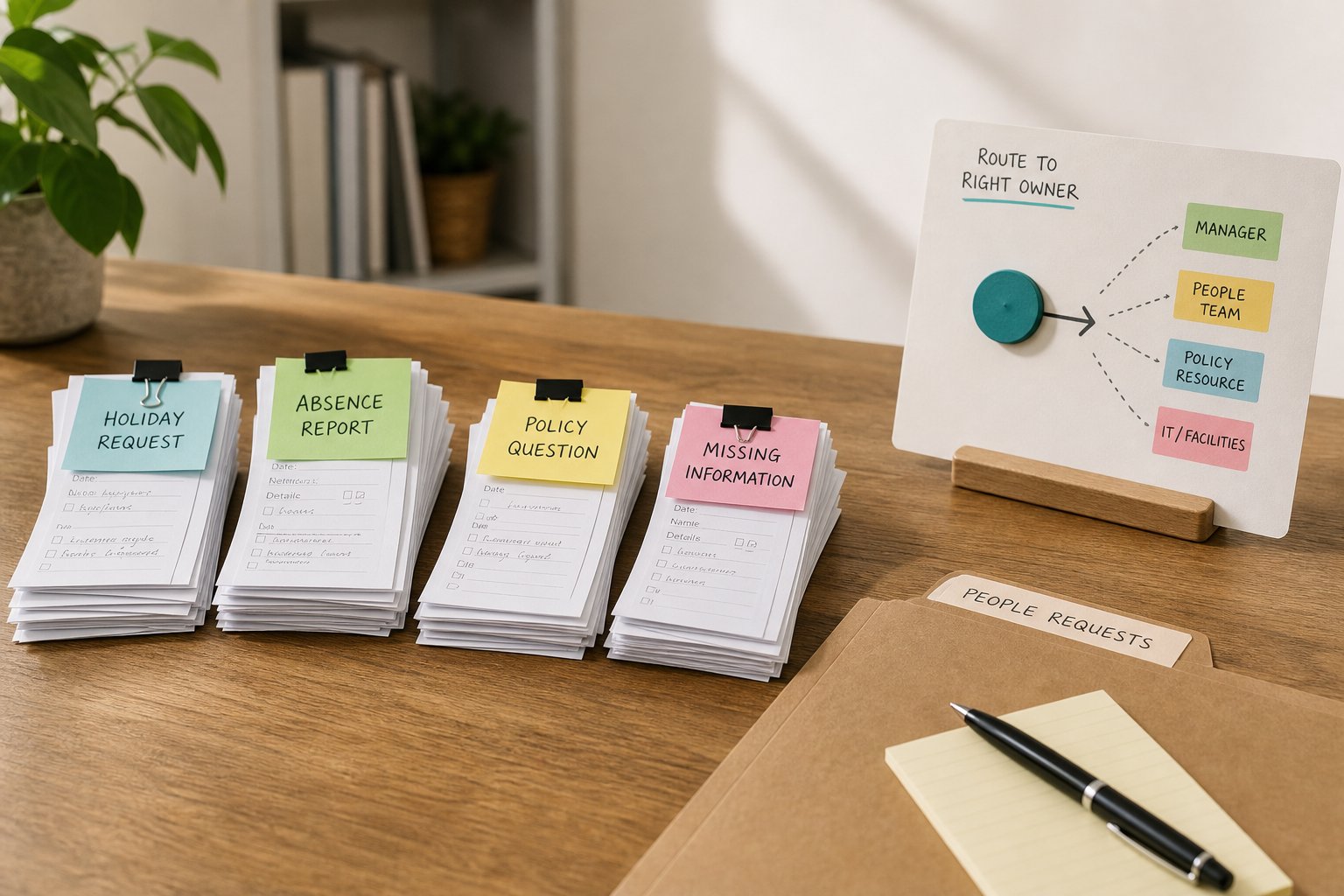
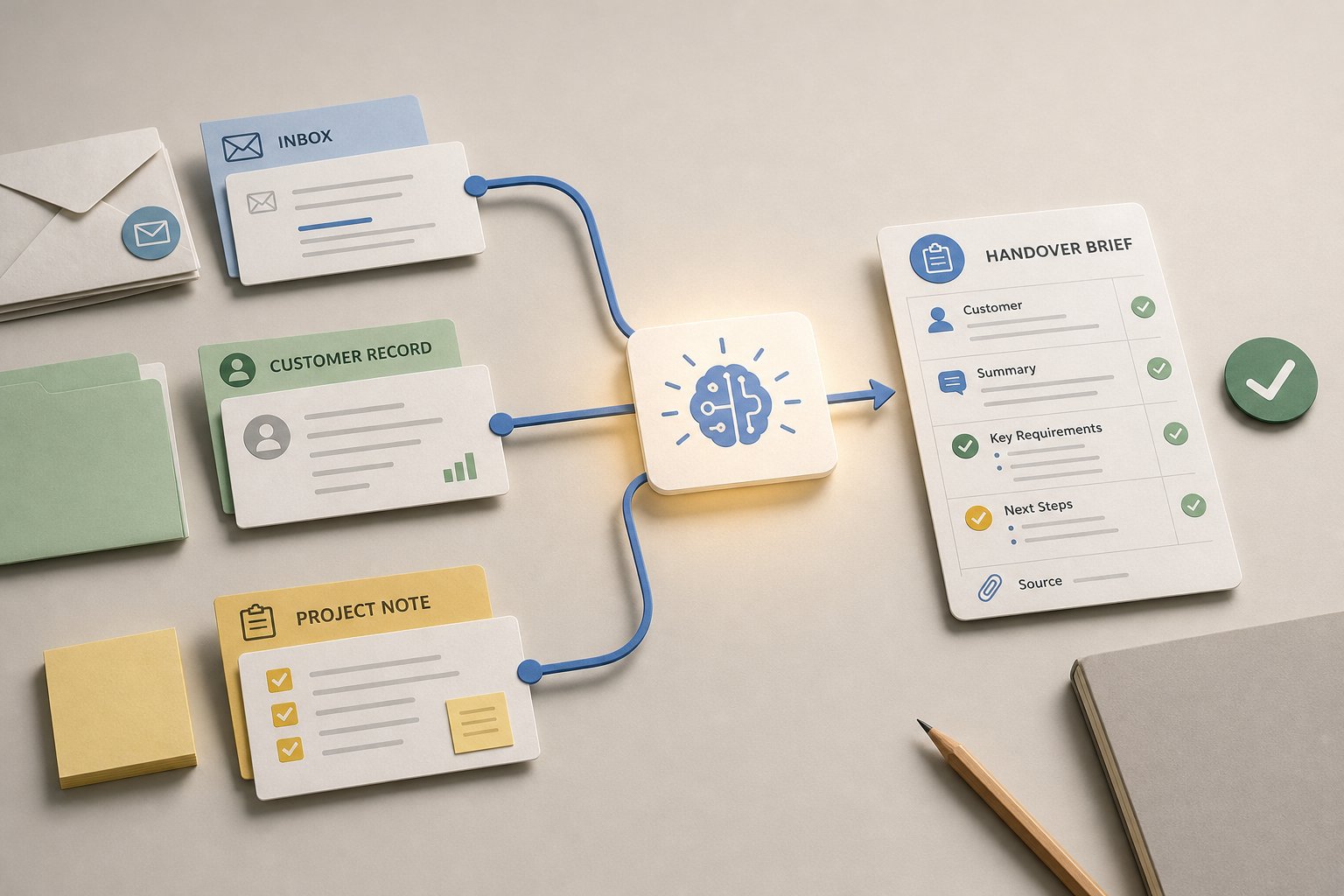
The best use of AI in connected tools is often simple. It can read incoming information, identify what matters, and place it where the next team needs it. An email from a prospect can become a CRM record. A change request from a client can become a task in the delivery board. A meeting note can be turned into a short summary for the people who were not in the room.
The mechanism matters more than the label. AI can reduce the manual work of copying, reformatting and forwarding information, while keeping the original source attached. That makes it easier for teams to see where a request came from and what has already been said.
For SMEs, the real advantage is not speed on its own. It is fewer gaps between systems. If the CRM, inbox and project tool are linked through a sensible workflow, the business is less dependent on one person remembering to update three places.
A practical rule helps here. Use AI where the task is repetitive and structured enough to trust, but still benefits from human review. That keeps the process useful without making it brittle.
Reducing duplication between sales and delivery
Sales and delivery are where disconnected tools usually show up fastest. Sales teams want to move quickly. Delivery teams want complete information. If the handover is messy, both sides lose time.
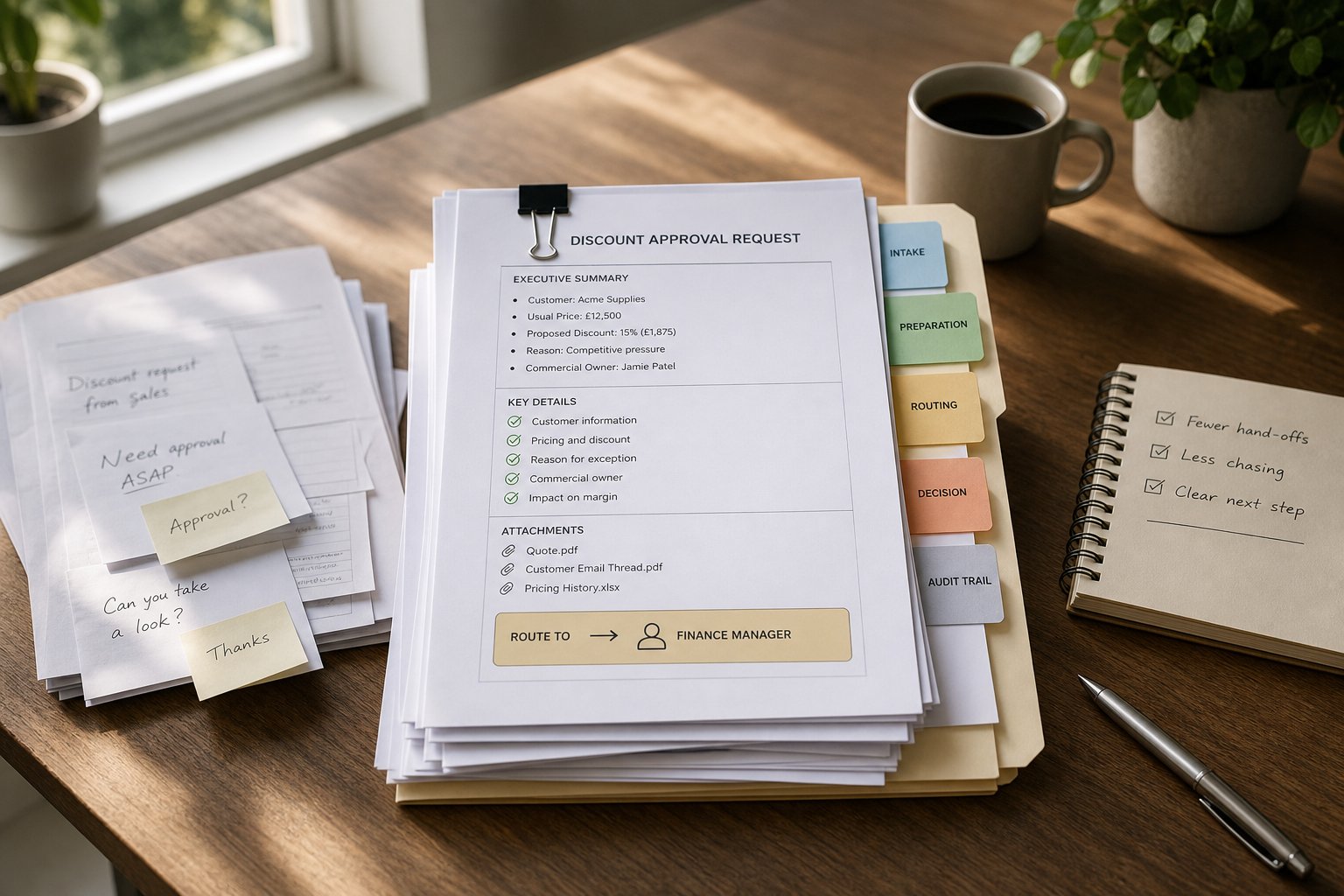
AI can help by turning sales activity into a cleaner starting point for delivery. A call summary can be filed automatically. Key requirements can be extracted into a project brief. Next steps can be assigned without someone retyping the same information into another system.
This is especially helpful when the same customer details are needed in more than one place. Instead of asking the salesperson to remember every field in the CRM and every note in the project tool, AI can assemble the first version of the handover pack. A human can then check the detail before work begins.
The point is not to remove accountability. It is to reduce the number of times information has to be translated from one team’s format into another’s. That is where mistakes usually creep in.
Creating a clearer view of work in progress
Once systems are linked, managers can get a more useful picture of what is happening across the business. Not a perfect picture, but a clearer one.
If customer emails, active projects and CRM stages are connected, it becomes easier to spot where work is stalled, where a promise has not been followed through, or where a project is moving without the right commercial context. That can improve decision-making because people are not relying on separate reports that were prepared at different times.
AI can also help shape updates into something readable. Instead of opening three tools to reconstruct the state of a client account, a manager can see a short summary of open actions, recent changes and anything that needs attention.
This is where the benefit moves beyond administration. Better visibility supports better prioritisation. Teams can see which work is genuinely at risk, which items are waiting on a customer, and which tasks need a decision rather than more chasing.
What a manageable first integration looks like
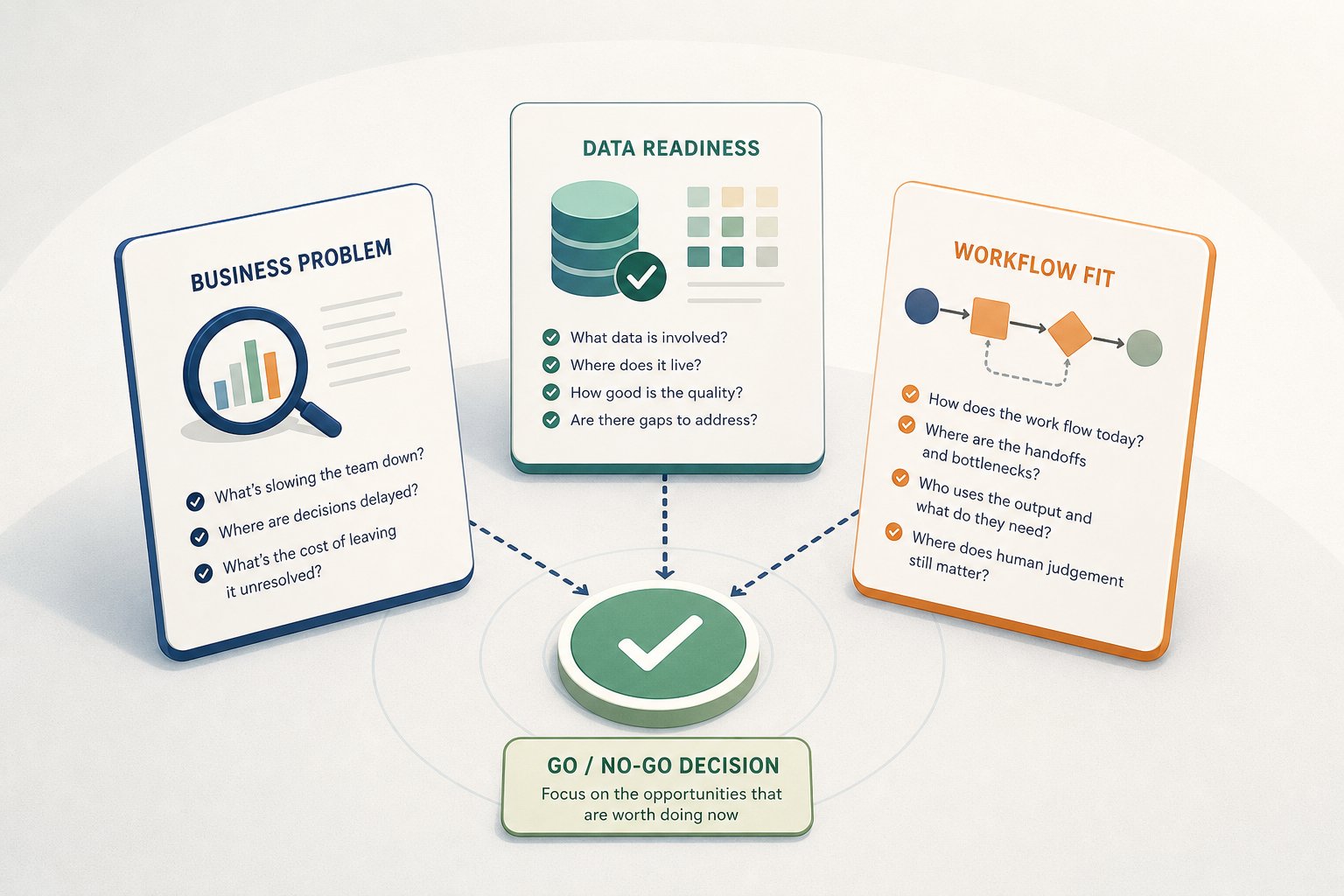
The most sensible first step is usually one workflow with a visible point of friction. Do not start by trying to connect everything.
A good first candidate normally has three features:
- It happens often enough to matter.
- It is currently handled by copy and paste, forwarding or manual re-entry.
- It creates confusion when it goes wrong.
For many SMEs, that might be lead handover, onboarding, project kick-off or customer change requests. Choose the process where the team already feels the pain, because that is where the improvement will be easiest to see.
Then keep the scope narrow. Decide what should happen automatically, what should still be checked by a person, and which system remains the source of truth. That last part is important. If every tool is allowed to become the master record, the business just creates a new version of the same mess.
A manageable integration should make one job easier, not introduce a new layer of upkeep. If the workflow saves time but creates uncertainty, it is not ready yet.
Practical examples of where AI can sit in the flow
The strongest use cases are often the unglamorous ones. They sit between systems and take away routine coordination work.
From inbox to CRM
When a prospect replies by email, AI can help extract the essentials, match the contact to an existing record, and log the next action. That reduces the chance of a lead being left in a personal inbox.
From CRM to project tool
When a deal is won, AI can help generate the first delivery record from the commercial notes. The project team starts with context instead of chasing the salesperson for a recap.
From project updates back to the customer record
When delivery changes, AI can summarise the update and attach it to the account history. That gives sales and account managers a better view of what the customer has already been told.
From meeting notes to action lists
After a review call, AI can turn notes into tasks, owners and deadlines. The team spends less time rewriting the same points in different places.
These are not strategic transformations. They are coordination fixes. But for a busy SME, that is often where the measurable value begins.
A better way to think about ai for smes
For growing businesses, ai for smes is most useful when it improves the connection between existing tools rather than replacing them outright. If your CRM, inboxes and project tools already hold important information, AI can help that information move with less effort and fewer omissions.
The practical test is simple. If a workflow still depends on someone remembering to copy the right details from one system to another, there is probably room for improvement. Start there, keep the scope narrow, and build around a process that already causes friction.
At Hally AI, we help SMEs identify those opportunities, then design and implement practical solutions that save time, improve decision-making and create capacity for growth. If you want to explore where connected tools could remove the most manual coordination in your business, start with a conversation or an AI opportunity assessment.